6777bdt Deposit Guide: Getting Your Taka Into the Cashier
After this page you will know which wallet to open, what to type where, how fast the balance moves, and what to do when a cash-in stalls halfway through. Once your account exists, the whole top-up takes about a minute.
18+ Play Responsibly
Choose the wallet you already use
Every route below starts at ৳150 and lands in your 6777bdt balance in roughly 1 minute. There is no card to add and no branch queue. If your salary, shop money or family transfers already sit in bKash, deposit from bKash. Matching your everyday wallet means fewer PIN screens and fewer chances to mistype a number.
Cash-out matters just as much as cash-in. Withdrawals travel the same five routes, are paid in about 22 minutes, and start at ৳1,100. Pick a method you can also withdraw to, so you are not hunting for a different account later when you want the money back.
- bKashDeposit in 1 min · Withdrawal in 22 min
- NagadDeposit in 1 min · Withdrawal in 22 min
- RocketDeposit in 1 min · Withdrawal in 22 min
- UpayDeposit in 1 min · Withdrawal in 22 min
- Bank TransferDeposit in 1 min · Withdrawal in 22 min
Minimum deposit on all five methods is ৳150. Support runs 24/7 Live Chat if a payment needs tracing.
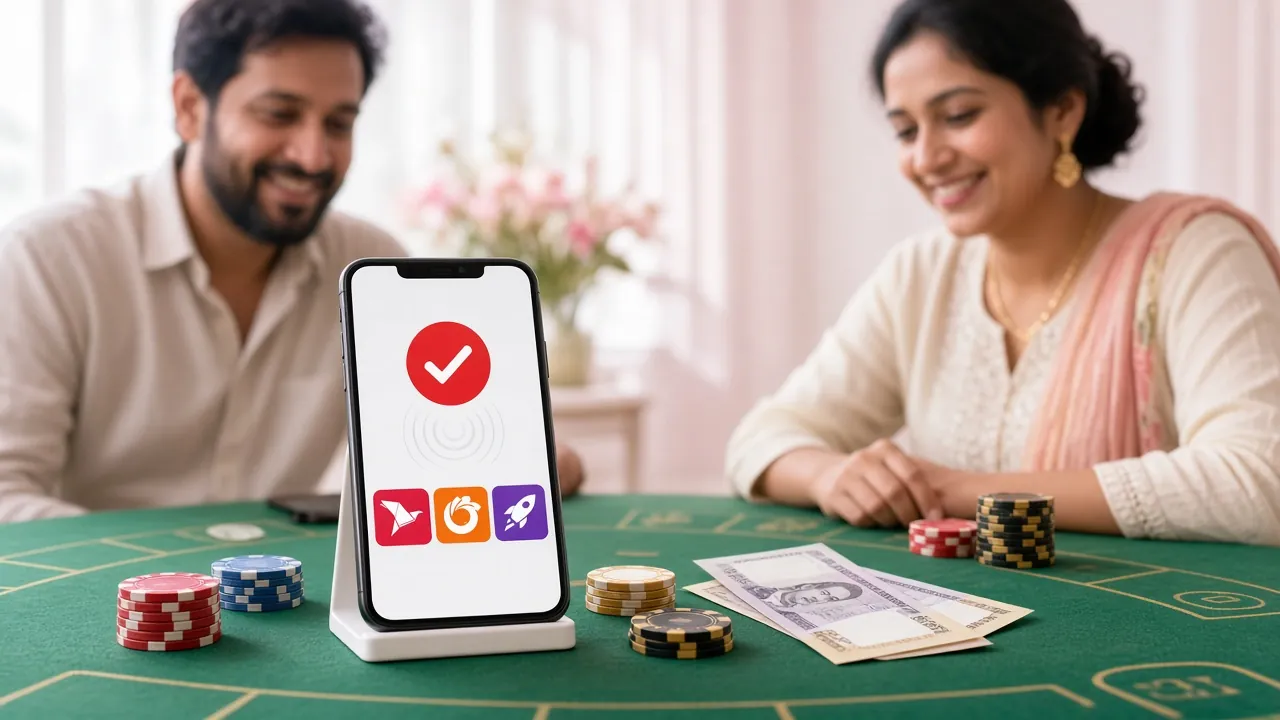
The top-up run, step by step
The cashier behaves the same on a laptop and on a phone. The only part that changes is which app pops up to ask for your PIN. Follow the five steps below and the balance is usually there before you have locked the screen.
-
1
Open the cashier from your account
Log in and tap the deposit button. Do not send money to a saved number you found somewhere else; always start from the cashier inside your own account so the payment is matched to your player ID.
-
2
Pick the wallet that holds your money
Choose bKash, Nagad, Rocket, Upay or bank transfer. The screen then shows the amount box and the payment number for that method. Copy the number instead of retyping it.
-
3
Enter ৳150 or more
৳150 is the floor, and anything above that is fine as long as your wallet balance covers it. Type the amount in whole taka, check it twice, then confirm to move to the wallet screen.
-
4
Approve the payment inside the wallet app
Your wallet asks for its PIN or its own confirmation screen. Read the merchant name and the amount before you approve. Never share that PIN with anyone, including someone claiming to be from support.
-
5
Wait for the confirmation, then check the balance
Money usually arrives in about 1 minute. Stay on the page until you see the success message, screenshot it, and then open your balance. If nothing moves, keep that screenshot; it is the fastest way to get a payment traced.
What each route asks you to have ready
Wallets differ in small ways. The table below lists the detail that actually trips people up on each one.
| Route | Have ready | Where you approve |
|---|---|---|
| bKash | Wallet registered in your own name, balance covering the amount | PIN prompt in the bKash app or USSD menu |
| Nagad | Nagad account number and your own name on the account | PIN screen inside the Nagad app |
| Rocket | Rocket number with the personal code you set at sign-up | Rocket app or agent-assisted menu |
| Upay | Upay wallet with a verified mobile number | In-app confirm button, then PIN |
| Bank Transfer | Your account number, branch name and the exact amount | Your bank app or a branch slip |
Depositing with bKash
The most common route, and the one most players already have open. Tap bKash in the cashier, copy the payment number shown, then use the cash-in option in your own app. Approve with your PIN and stay on the screen until the receipt appears.
Depositing with Nagad
Same flow, different app. Nagad sometimes asks for an extra confirmation tap after the PIN, so do not close the app when the screen pauses. The balance on the 6777bdt side updates in about 1 minute once that tap is done.
Depositing with Rocket
Rocket needs the personal code you chose when the wallet was opened, not your phone unlock code. If you have forgotten it, reset it inside the Rocket app first, then come back to the cashier and start again from step one.
Depositing with Upay
Upay works well on a slow connection because the confirmation is short. Keep the amount the same in both screens; a mismatch between the cashier amount and the wallet amount is the most frequent reason an Upay transfer needs manual review.
Depositing by bank transfer
Use the account details shown in the cashier, add your player ID in the reference field, and keep the slip or the app screenshot. Reference details are what let the team match a bank credit to your account without a back-and-forth.
When the confirmation does not arrive
A stalled deposit is rarely a lost deposit. In most cases the money never left your wallet, or it left and is waiting to be matched. Open your wallet statement first, because that is the record that decides what happens next.
| What you see | Usual cause | First thing to try |
|---|---|---|
| "Insufficient balance" in the wallet | The wallet holds less than the amount you typed | Lower the amount to fit the balance, still at or above ৳150 |
| PIN rejected twice | Wrong PIN, or a PIN locked after earlier attempts | Reset the PIN inside the wallet app, then restart from step one |
| Wallet charged, balance unchanged | Payment still in transit or unmatched | Wait a few minutes, refresh the balance, then contact live chat with the transaction ID |
| Screen froze mid-approval | Weak mobile data during confirmation | Check the wallet statement before retrying, so you do not pay twice |
| Transfer sent from another person's wallet | Name on the wallet does not match your account | Use your own wallet next time; mismatched payments need manual review |
| "Daily limit reached" in the wallet | Your wallet provider's own cap for the day | Switch to another method from the list, or continue the next day |
One rule worth remembering: never send a second payment to "fix" a balance that has not appeared. Two payments of the same amount at the same minute look like a duplicate and slow both of them down. Check the wallet statement, wait a few minutes, and if the money is genuinely gone from your wallet, open 24/7 Live Chat with the amount, the method and the transaction ID from your screenshot.
Limits, checks and timing in one table
These are the numbers that decide what you can move and how quickly. Bookmark the section if you top up often, because the withdrawal figures matter just as much as the deposit ones.
| Item | Figure | What it means for you |
|---|---|---|
| Minimum deposit | ৳150 | The smallest cash-in the cashier accepts on any method |
| Deposit credited | 1 minute | Typical time from wallet approval to balance update |
| Minimum withdrawal | ৳1,100 | Smallest cash-out you can request |
| Withdrawal processed | 22 minutes | Typical payout time to the same wallet routes |
| Daily withdrawal cap | ৳20,000 | Standard limit; higher VIP tiers raise it |
| First deposit bonus | 220% up to ৳23,500 | Applies to the first deposit only, 25x wagering |
| Reload bonus | 23% | For later top-ups, same wagering rules |
| Daily cashback | 1.6% | Base rate; rises with VIP tier |
| KYC review | 12 hours | Time to check documents before a first withdrawal |
| First withdrawal | up to 1 hour | Extra check on the very first cash-out only |
Wagering is the part players skip and then wonder about. The welcome bonus carries a 25x requirement on the combined deposit and bonus. Put ৳150 in, take the 220% bonus of ৳330, and you are playing a ৳480 balance with ৳12,000 of wagering to clear before the bonus money can be withdrawn. Read the numbers before you accept, not after.
What to do once the balance shows
The deposit is done, but three small habits keep the rest of the account smooth. Each of them takes under a minute and saves a longer conversation later.
- Write down the transaction ID from your wallet receipt. It is the one thing support always asks for, and screenshots disappear from phone galleries faster than people expect.
- Finish KYC before you need it. A National ID card, passport or driving licence is accepted, the review takes about 12 hours, and it must be done before your first withdrawal, not after.
- Decide early whether you want the bonus. Taking it locks the balance behind a 25x requirement; skipping it keeps the money free to withdraw. The full breakdown sits in the bonus and VIP guide.
When you are ready to cash out, the withdrawal and KYC guide covers the ৳1,100 minimum, the ৳20,000 daily cap and the 22-minute payout window in the same step-by-step format. If you would rather top up from your phone next time, the 6777bdt app is free, 41 MB, version 3.9.18, and runs on Android 8.0 and above; the download page explains the install in four taps. And if your session ever drops, logging back in keeps the same wallet history, so nothing is lost.
The lobby itself holds 4,800 games from Evolution, Playtech, Ezugi, KA Gaming, FA Chai and Spribe, so a first deposit does not need to be large. Many players start with the ৳150 minimum, try a few rounds on a low-stake title, and add more once they know which games suit them.
Questions asked before the first cash-in
01How long should a 6777bdt deposit take to appear?
02What is the smallest deposit, and is there a ceiling?
03Do I need to finish KYC before depositing?
04My wallet was charged but the balance did not move. Now what?
05Does the welcome bonus apply to every deposit I make?
06Can I deposit from a friend's or family member's wallet?
07Is the app needed to make a deposit?
Open the cashier with a funded account
No account yet? Registration takes a couple of minutes, and the first deposit of ৳150 or more is what unlocks the 220% welcome offer. Already registered? Log in, open the cashier and the five steps above do the rest.
bKash · Nagad · Rocket · Upay · Bank Transfer · 24/7 Live Chat